

distributed agentic development.
run locally.
command remotely.
every agent you already use 


 , on hardware you already own, on accounts you already pay for. controlled from anywhere

 .
install from terminal
curl -fsSL https://carnivore.ai/install.sh | bash your agents. your accounts.
claude codecodexopencodecursor clicopilot cli pi
 oh-my-pi
 devin
 droidkimi
 kilohermes
 qoder
 qwen code
 letta
 mastra code
 antigravity
 grokopenclaw
 lm studio
the product
see the whole operation.
the real app, every view. names changed, everything else is real.
workspace
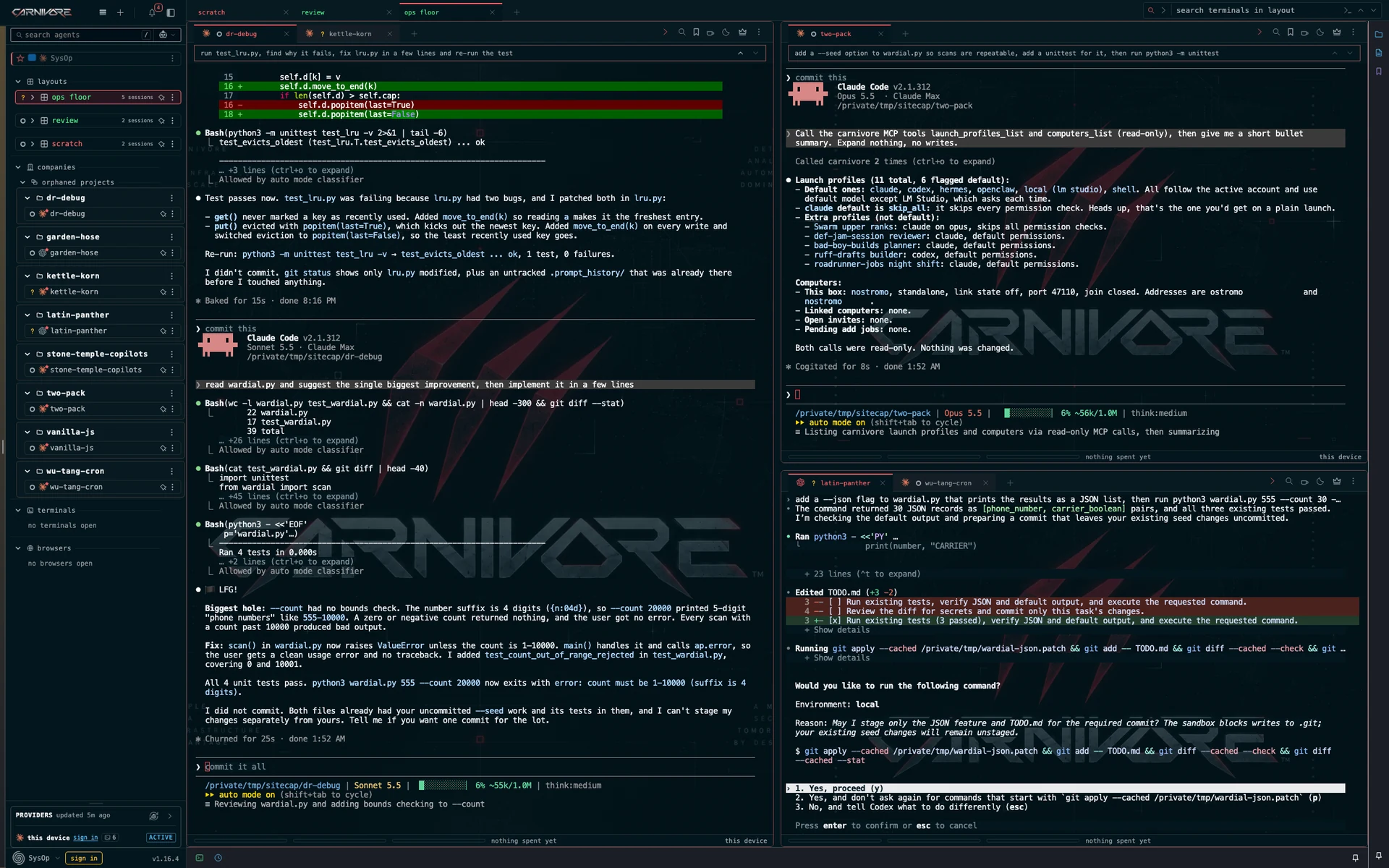
keep your terminals, projects and tools together. files, notes and git state follow the selected agent.
real app. names changed.war room
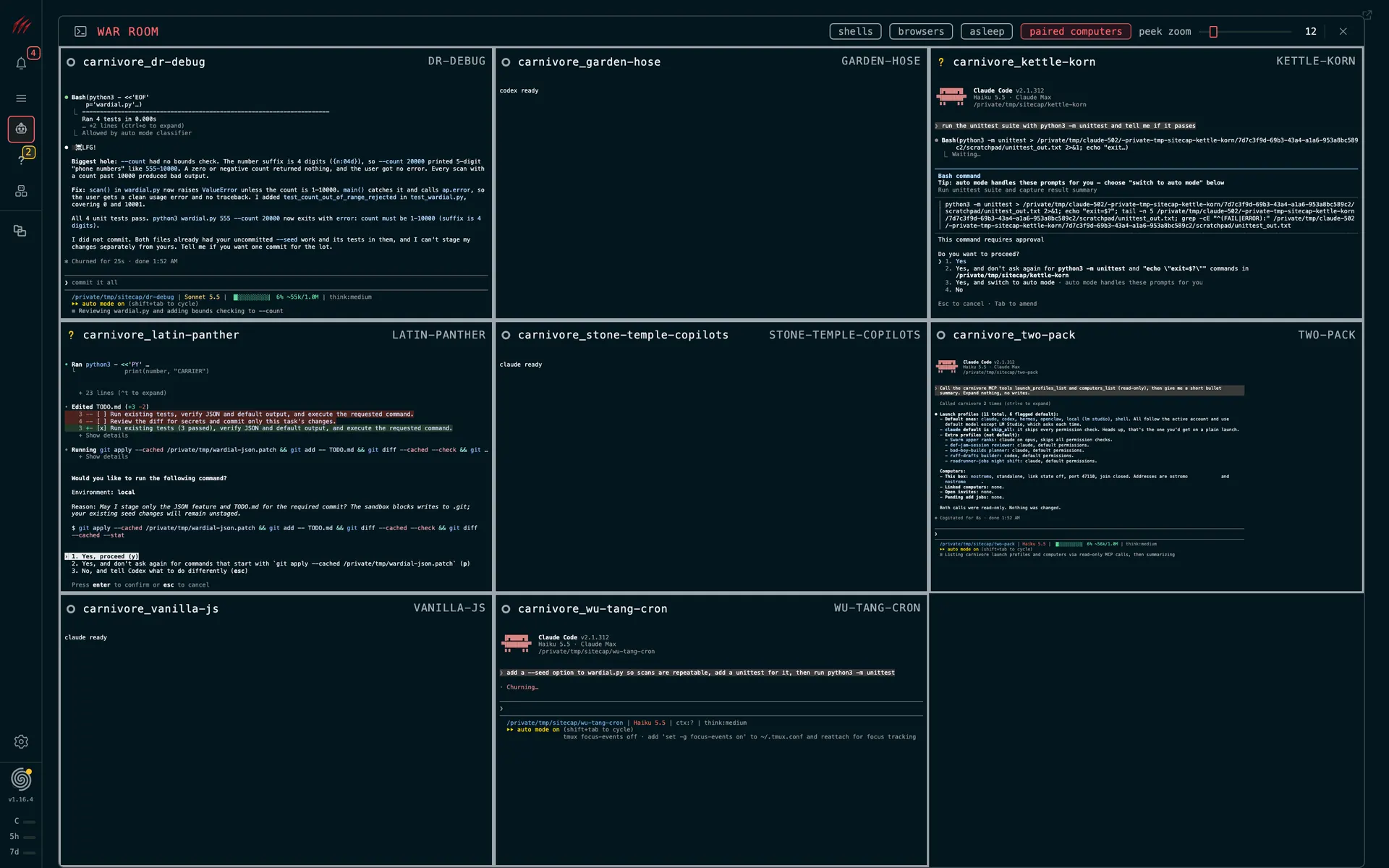
every open agent across your pack, grouped by project and host. peek at a terminal, then open it to take control.
real app. names changed.swarm
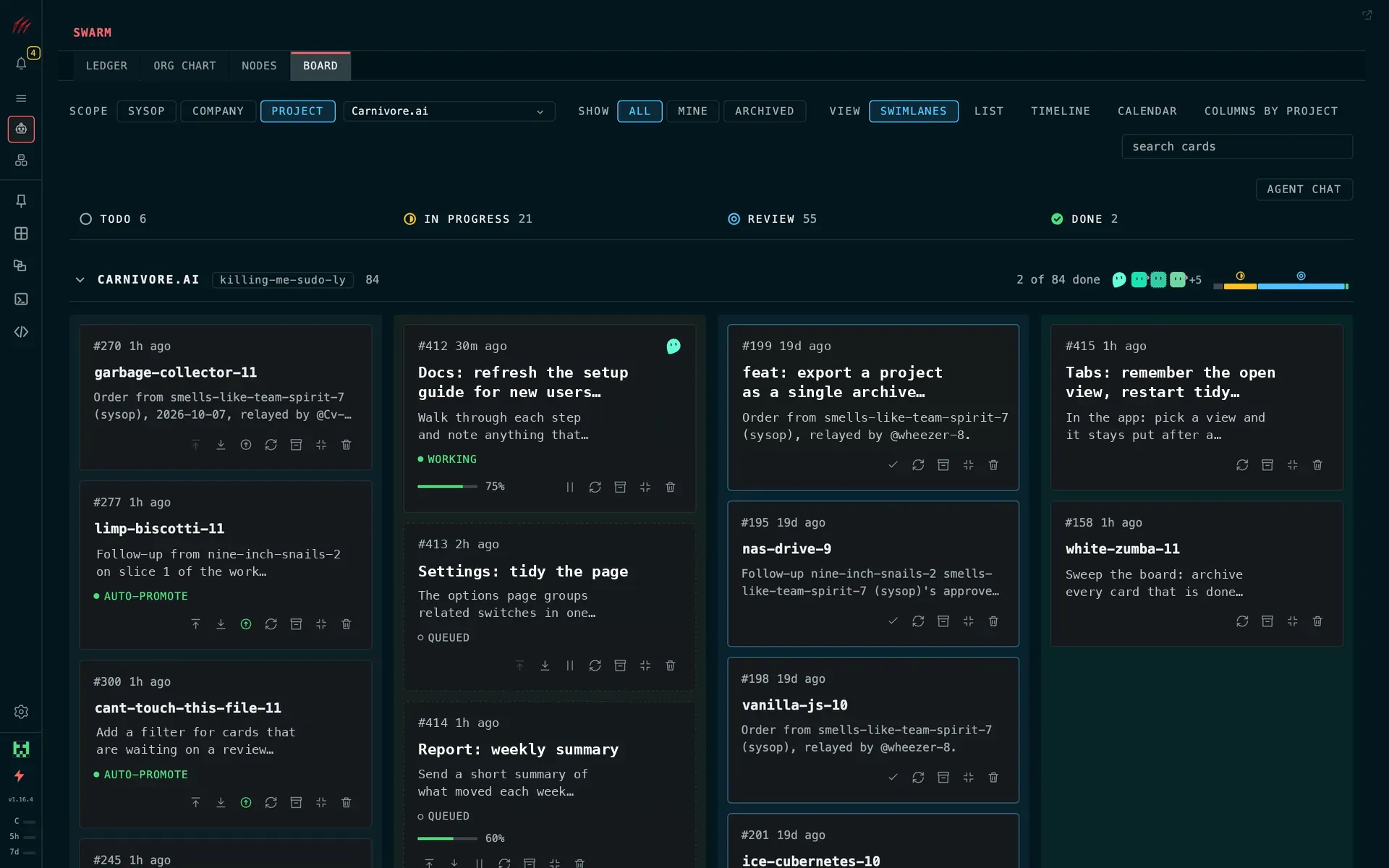
hand the job to one leader agent. it hands pieces to the agents under it, and the board tracks each card.
real app. names changed.pack
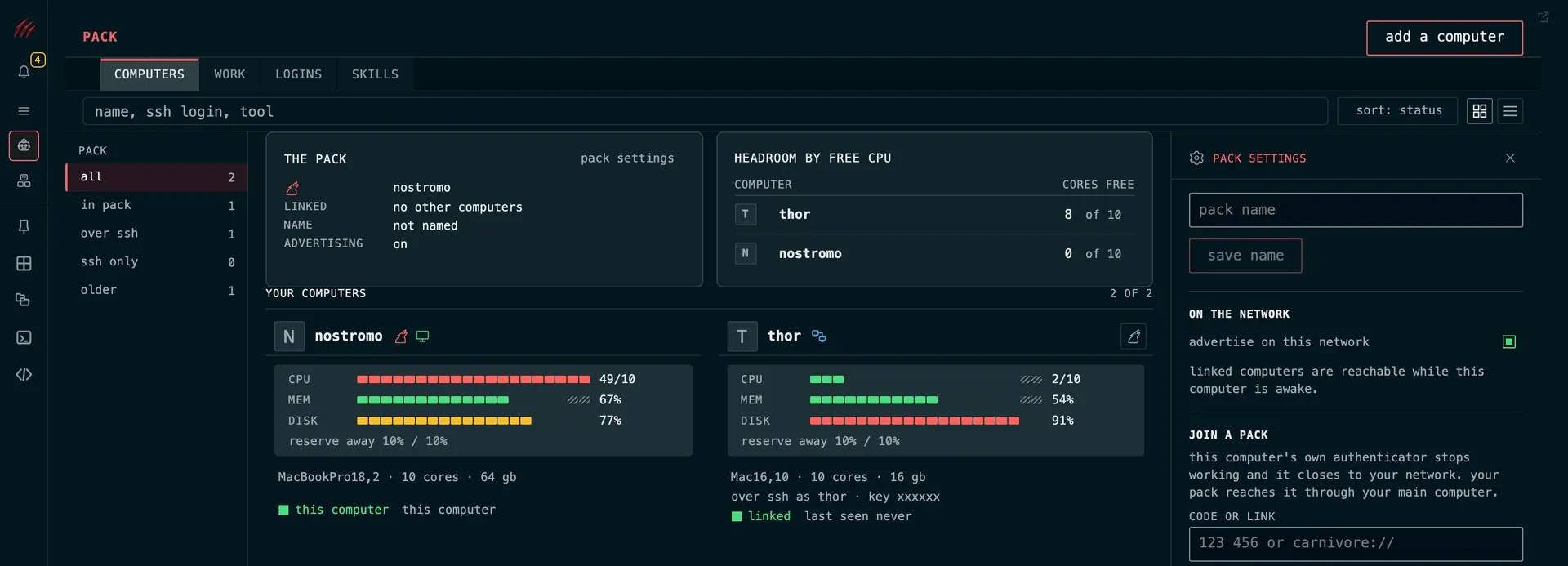
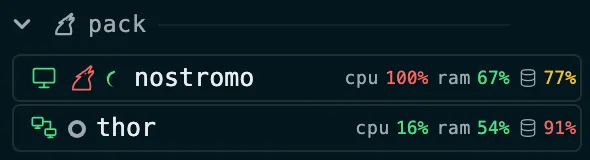
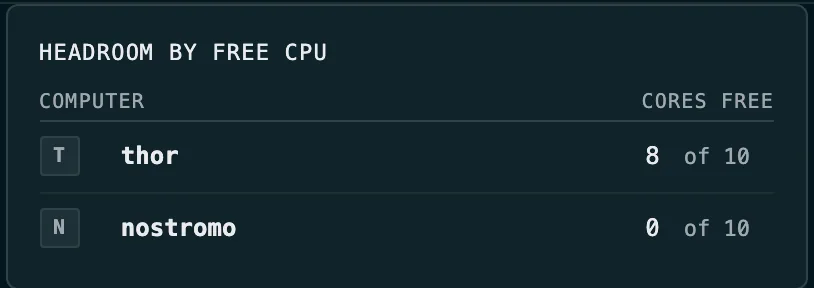
your computers side by side, with their cpu, memory and disk. a job can go to a computer that has the room and the tools for it.
real app. names changed.providers
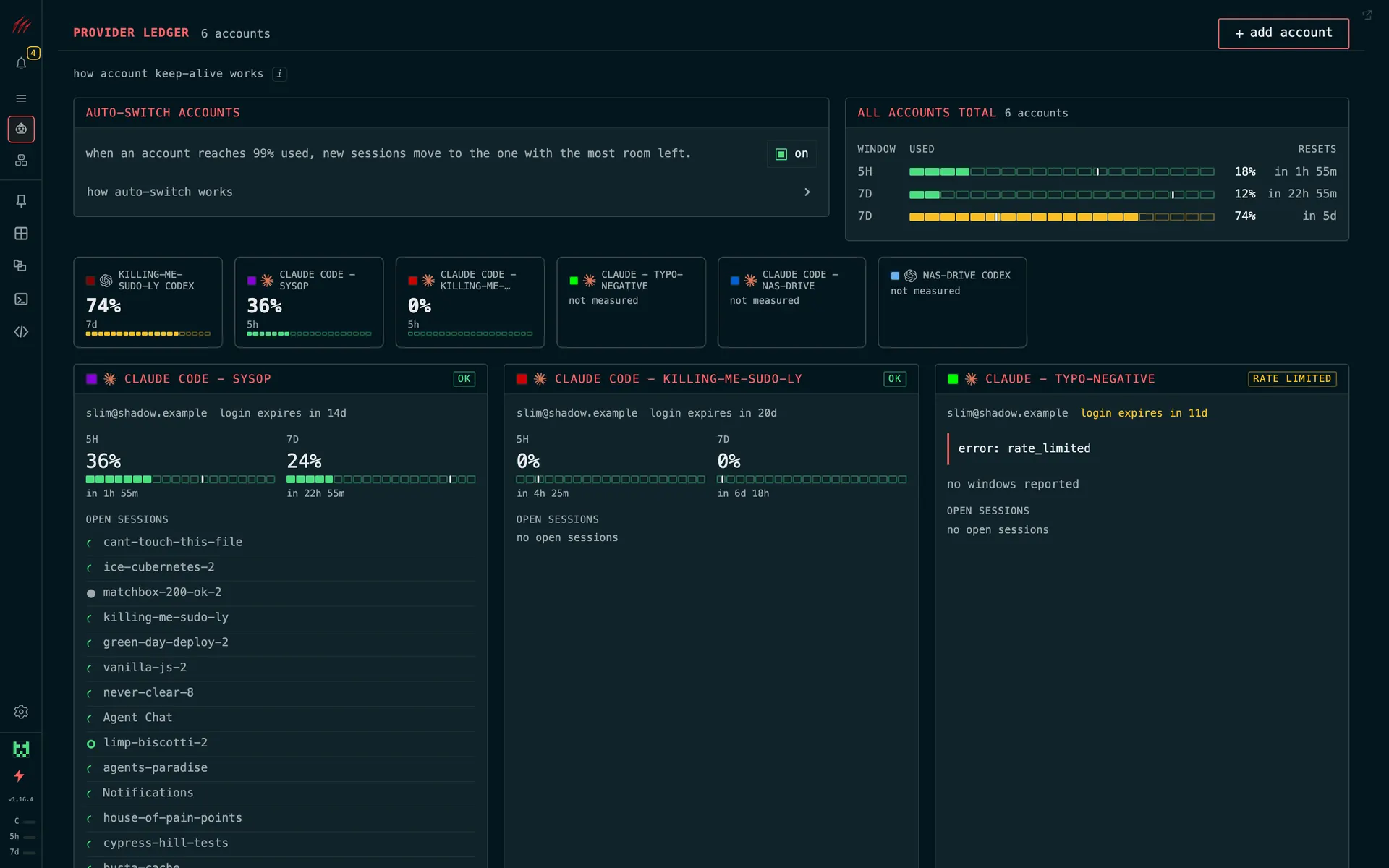
how much of each account's limit you have used, and how fast. near a limit? switch accounts yourself, or let auto-switch pick another account for new claude code sessions.
real app. names changed.warez
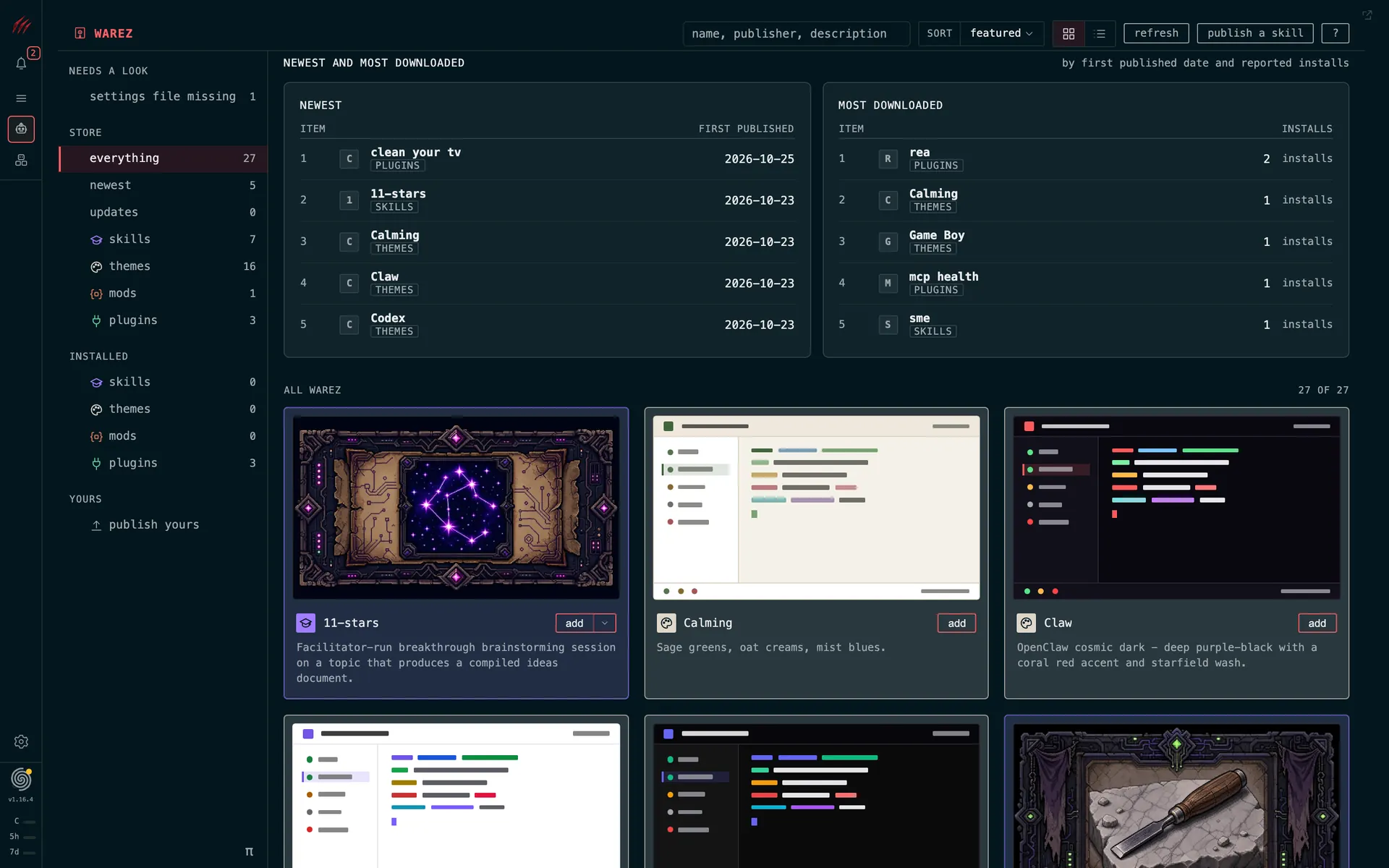
plugins, skills, themes and mods from the community. see what each one does before you add it.
real app.phone
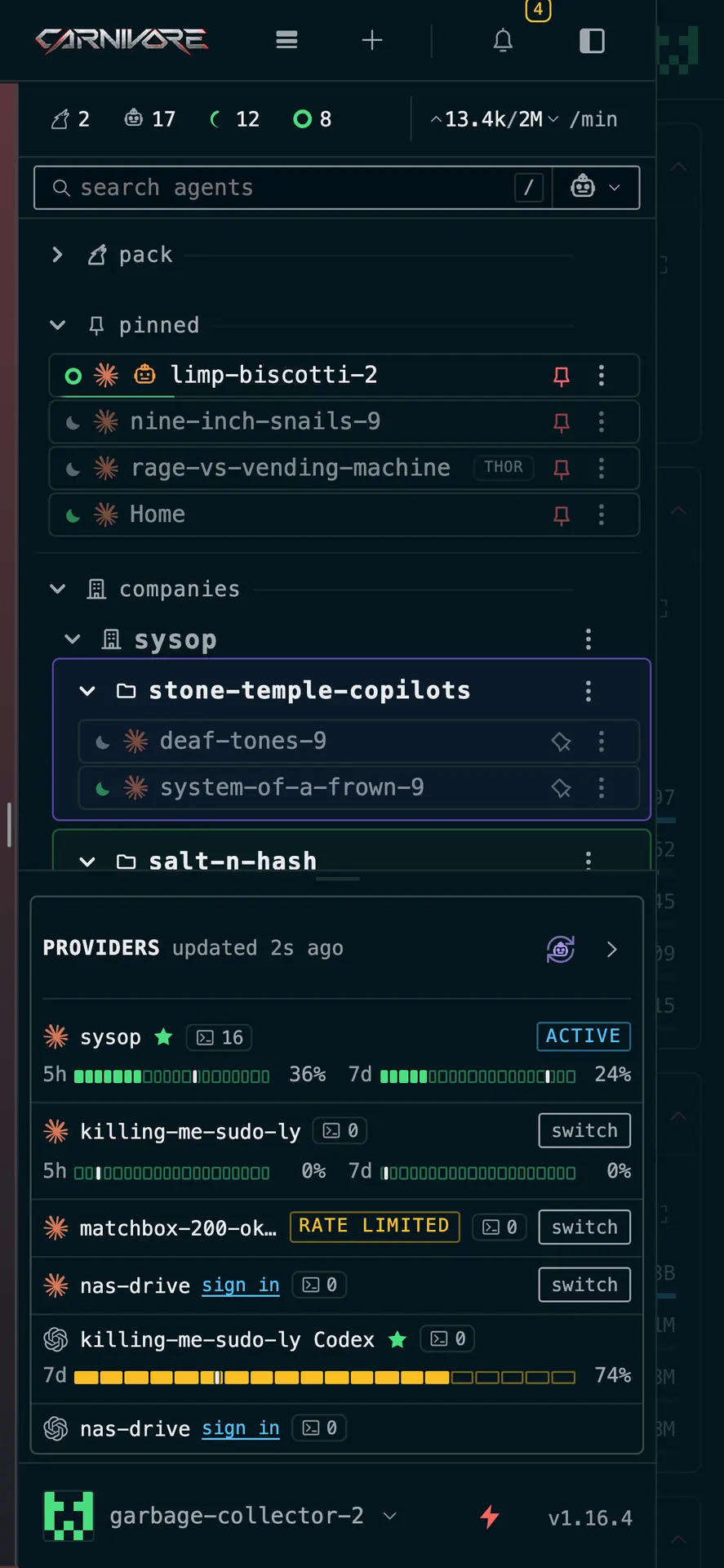
the same sessions in your phone's browser. check the work and answer the question.
real app. names changed.three words to know
a swarm of agents. a pack of computers.
01 / agents
claude codecodexopencodethe coding agents you already run.
02 / swarm



agents with a leader that hands out the work.
03 / pack
your computers working as one.
swarm
leaders delegate. scale your time.
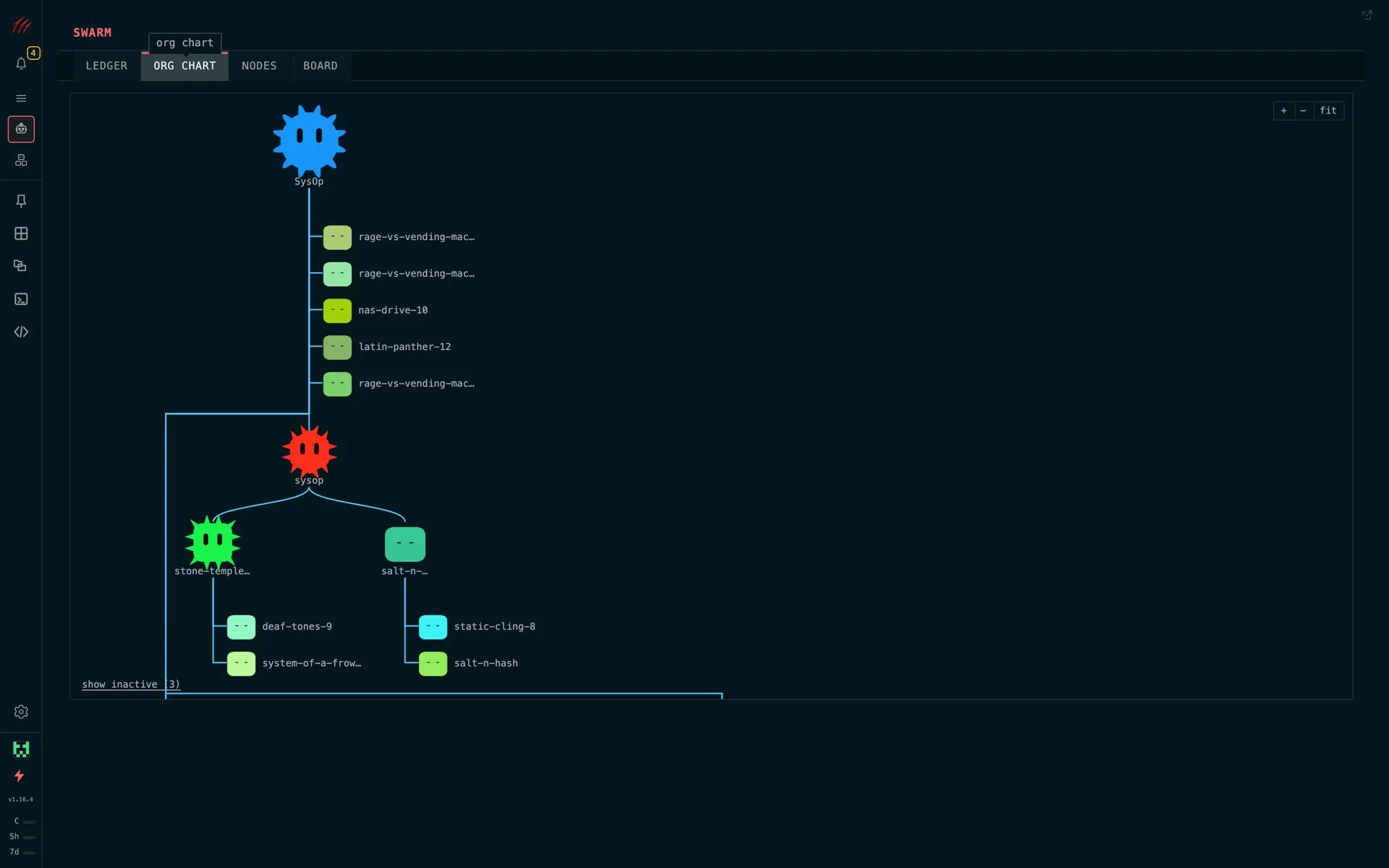
one leader per project. workers under it.
real app. names changed.delegated agentic coding
move to pack mentality.
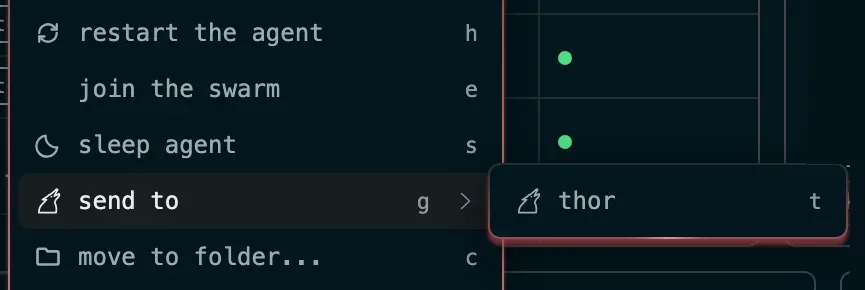
pair your computers. send an agent to the one with room, conversation and all.
mcp
your agents can run carnivore too.
carnivore has an mcp server built in, so your claude code and codex agents can use carnivore too: start agents, read their output and run the swarm. starting an agent or reaching a new one asks your approval first.
the whole operation
level up your agents.
limits ledger and account switchsee how much of your claude code and codex accounts you have used. near a claude code limit? switch accounts and the conversation comes with it.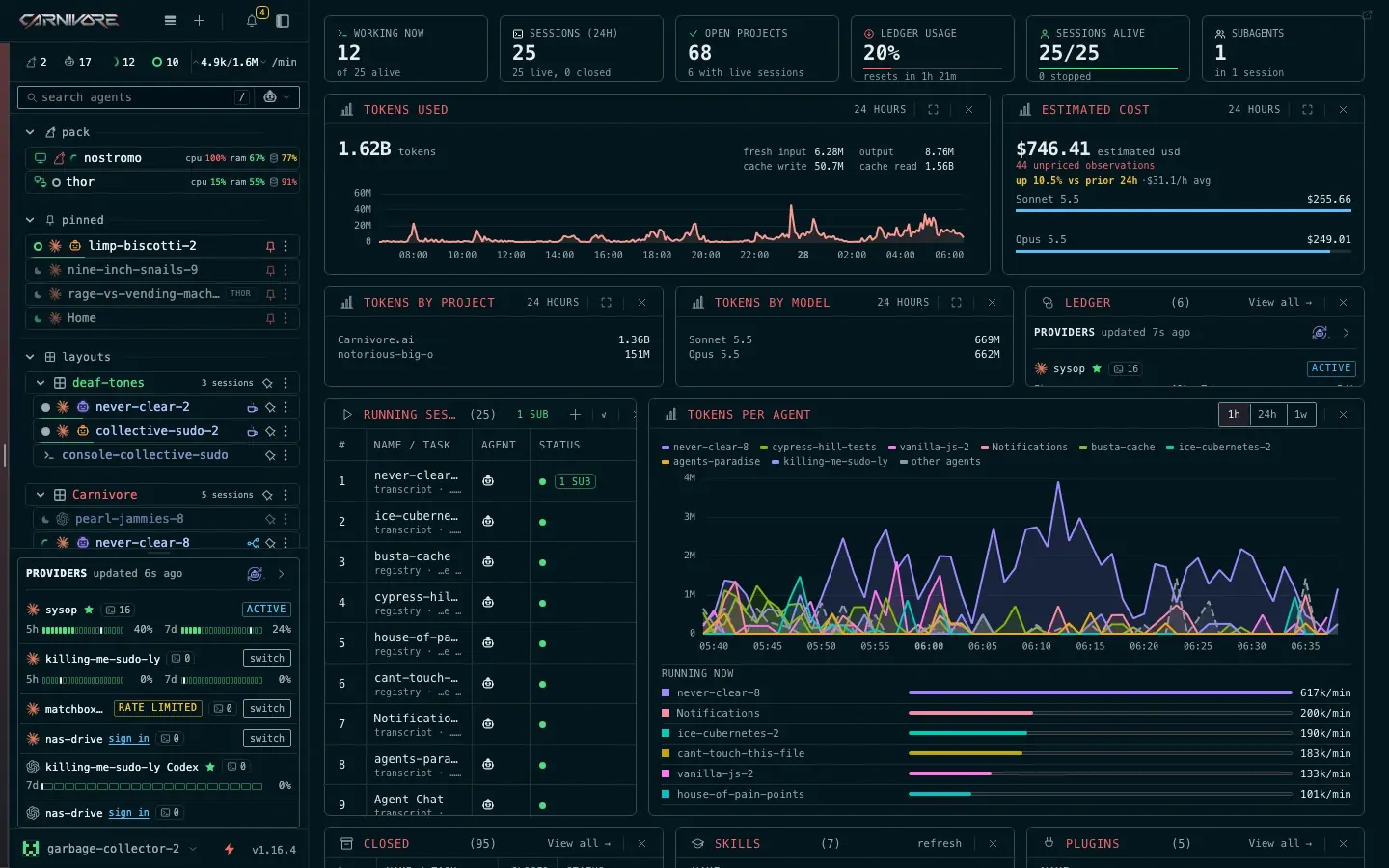 status lights, answer from anywherea light on every claude code and codex session says working, waiting on you or done. answer a waiting agent without changing terminals. beta war room, click to take overevery open terminal across your pack on one wall. hover to peek, click to take over. sessions keep running, phone includedsessions run on your computer whether or not anyone is watching. check in and answer from your phone's browser. custom agentsany cli agent, with a name, a command and an icon.

warez
you have elite access.
skills, themes, mods and plugins for carnivore. signed by their publishers. read what each one does before you install. one click to add. no cracks, no keygens.
- RELEASE..:
- carnivore warez
- CRACKED BY..:
- nobody. all legit.
- SUPPLIER..:
- the community
the whole shelf, every kind in one list.
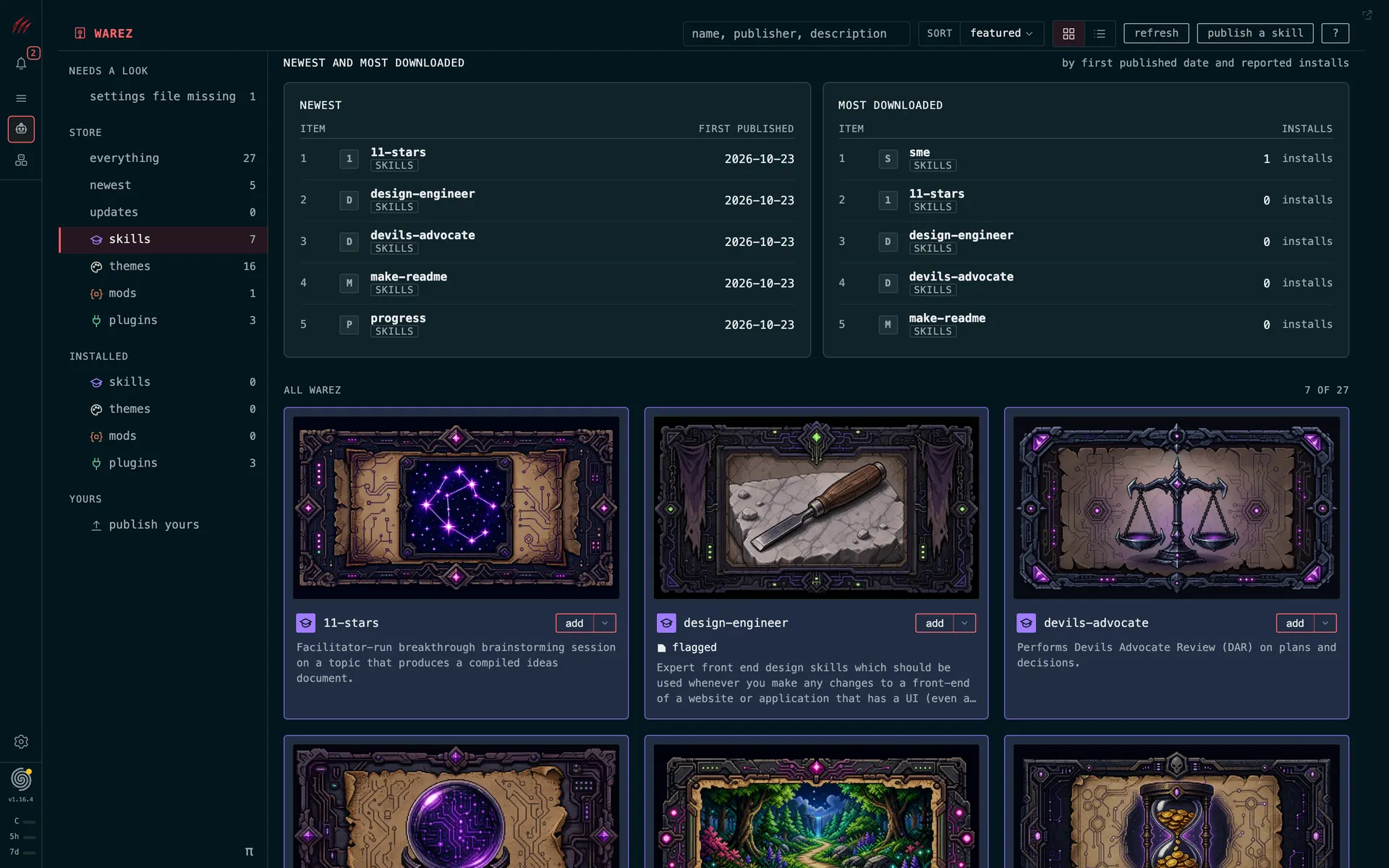
skills only.
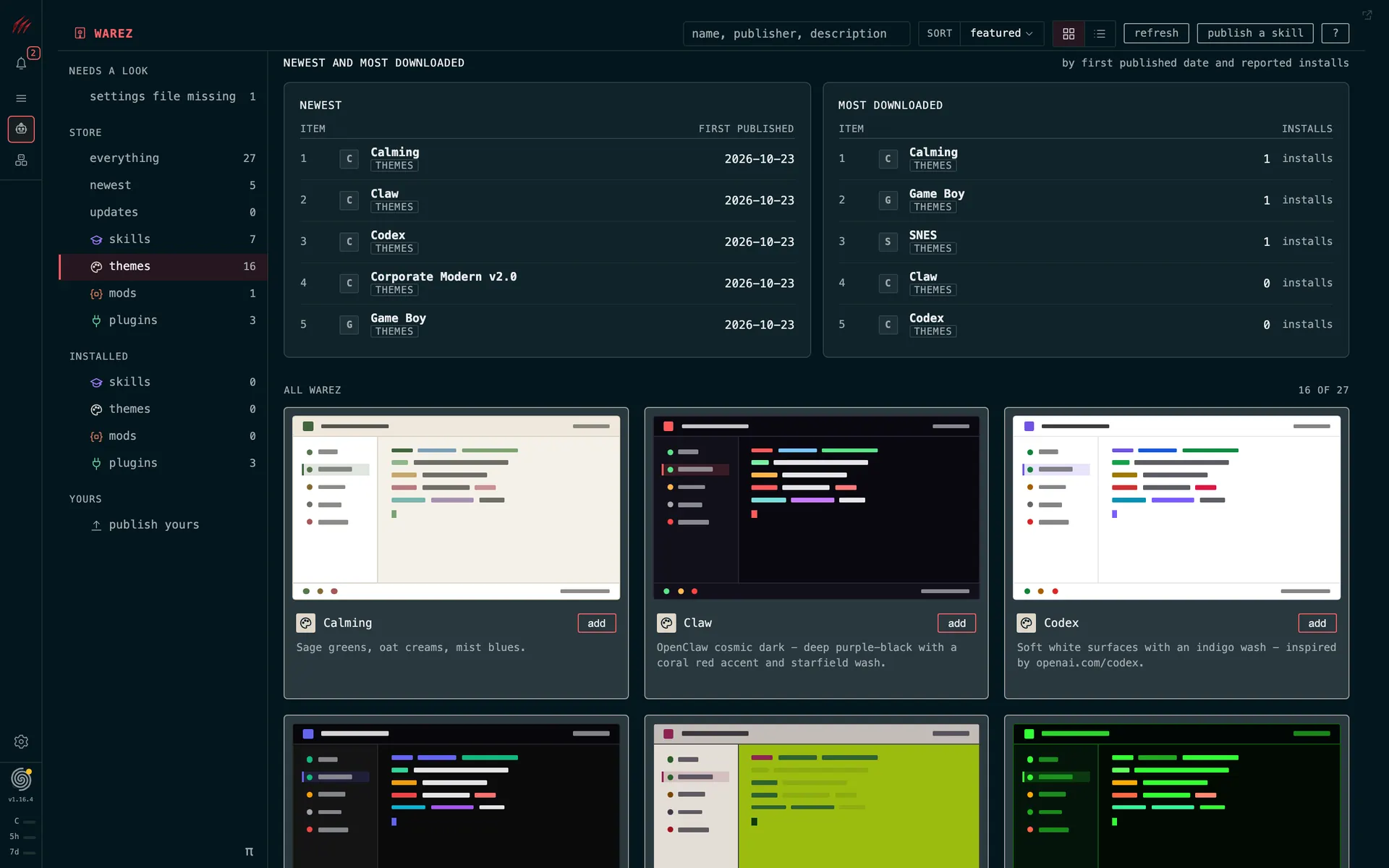
themes only.
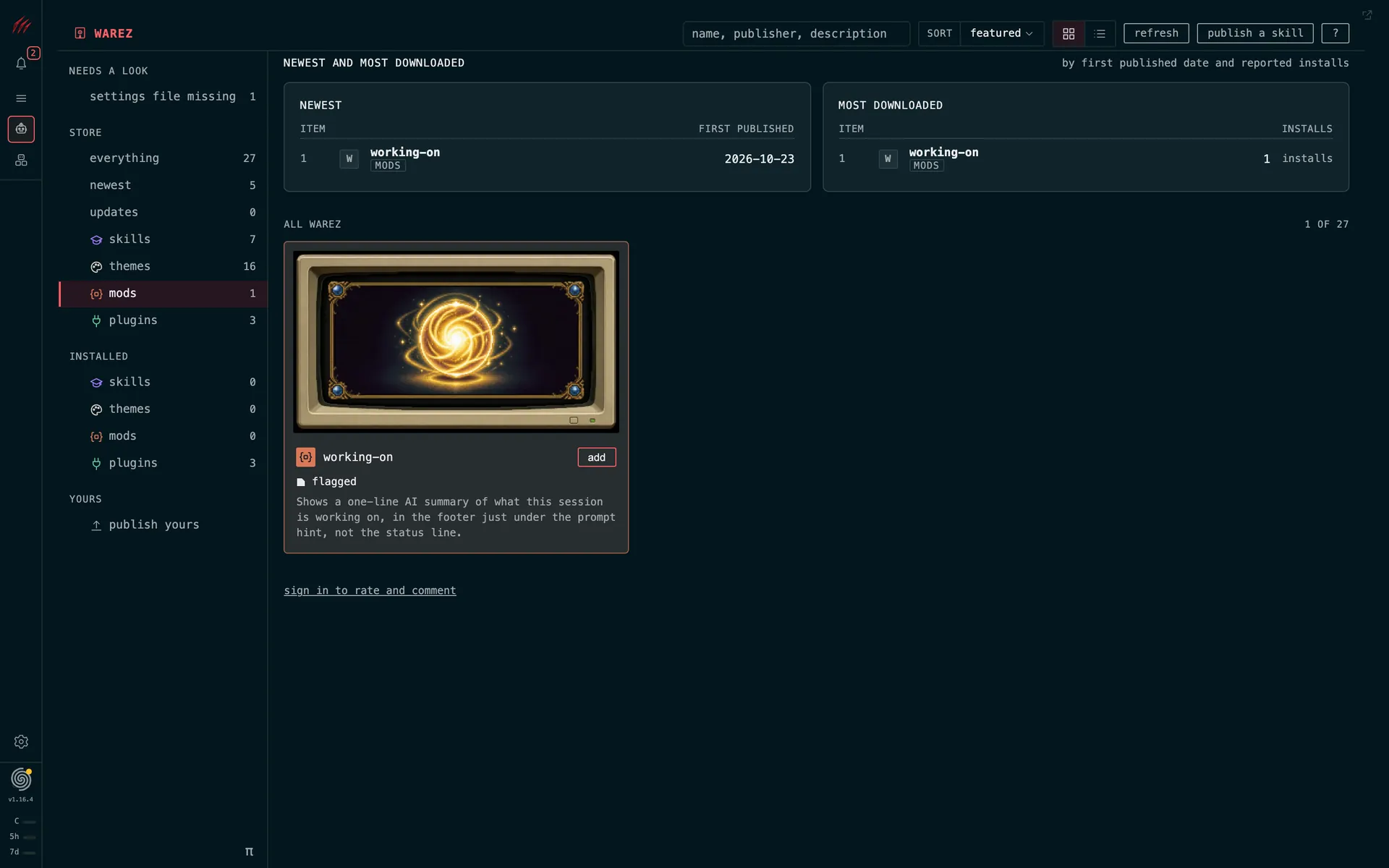
mods only.
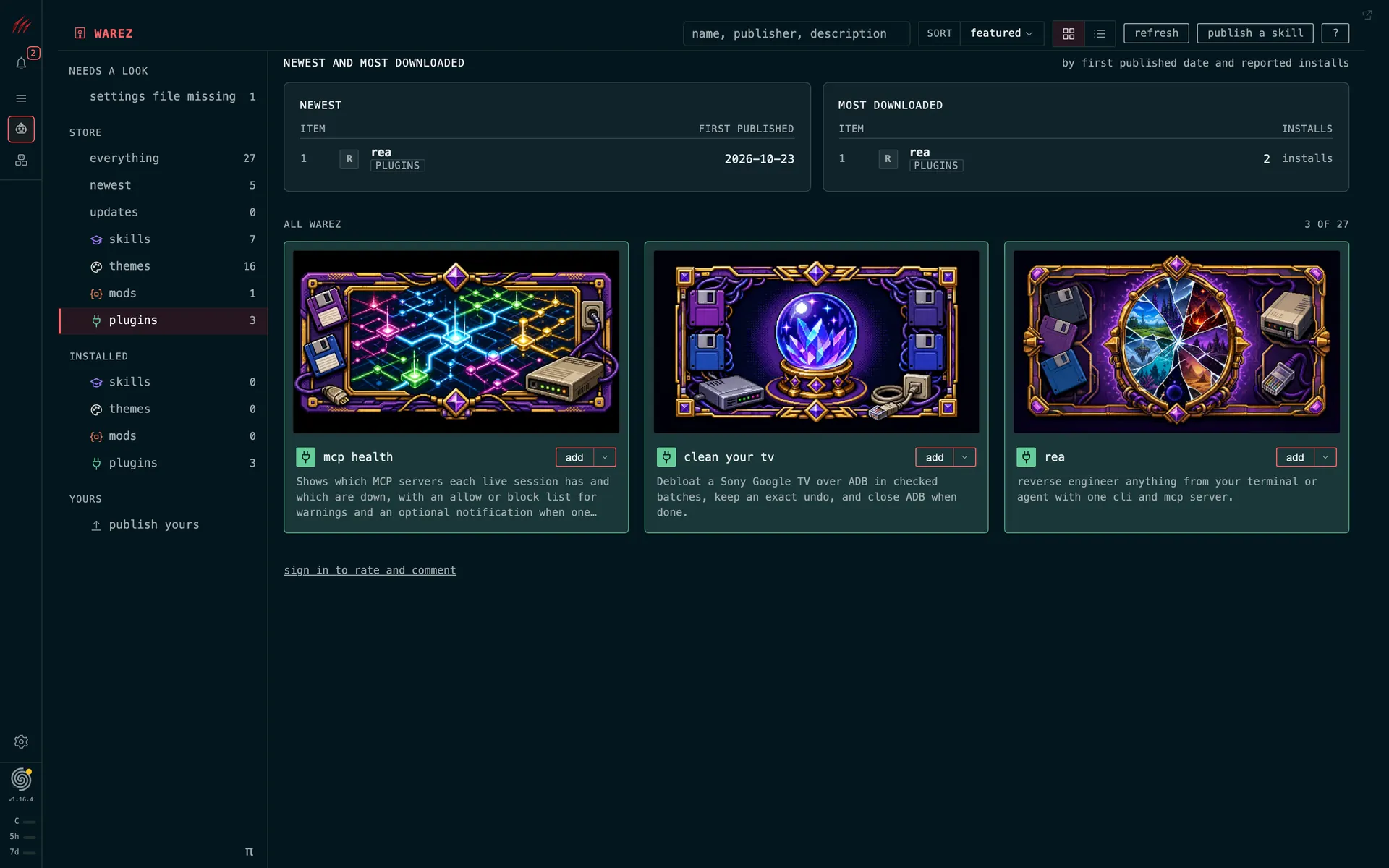
plugins only.
what is carnivore?
carnivore is an open source workspace for running and managing coding agent sessions. it brings terminals, session status, coordination and useful tools into one place.
does it replace claude code or codex?
you keep using your agents. carnivore gives you a place to run and manage their sessions together. agent subscriptions and provider charges are separate.
what can i install it on?
the native host app is available for macos. connect to that host from a browser on your phone, laptop or desktop. native windows and linux hosts are upcoming; the native iphone companion is in beta.
what is the difference between pack and swarm?
a pack is your paired computers. swarm is the hierarchy of agents coordinating work across them. your computers supply the resources; leaders and workers organize the tasks.
will my agents keep working when i close the browser?
yes, while the host stays awake and the agent process keeps running. closing a browser view does not end the session. putting the host to sleep or turning it off stops execution.
do i need a carnivore account?
no online carnivore account is required for core local use. some optional online features require an account. local access authentication and your agent-provider logins remain separate.
what happens when an agent account reaches its limit?
carnivore shows usage for your claude code and codex accounts. for claude code you can switch accounts yourself or turn on automatic switching, and the agent restarts on the new account with its conversation. codex shows usage only for now.
put your agents to work.
give every session a place. give yourself a clear view of the work.
or install from terminal
curl -fsSL https://carnivore.ai/install.sh | bash installing by hand: open the dmg and drag carnivore to applications. session persistence uses tmux 3.2 or newer.